Enrolment and waitlists
Organize inquiries, waitlists, child records, placement decisions, start dates, and the information required to move a family into care.
- Inquiry and intake records
- Waitlist and placement status
- Child and family information

Start with the pressure your team wants to reduce—another chase, an unclear amount, or a review that takes too much reconstruction.
Day Guardian keeps these workflows connected as one product. Agency teams use the web platform for operations and oversight, while consultants, educators, and families complete the right work through the connected mobile app.
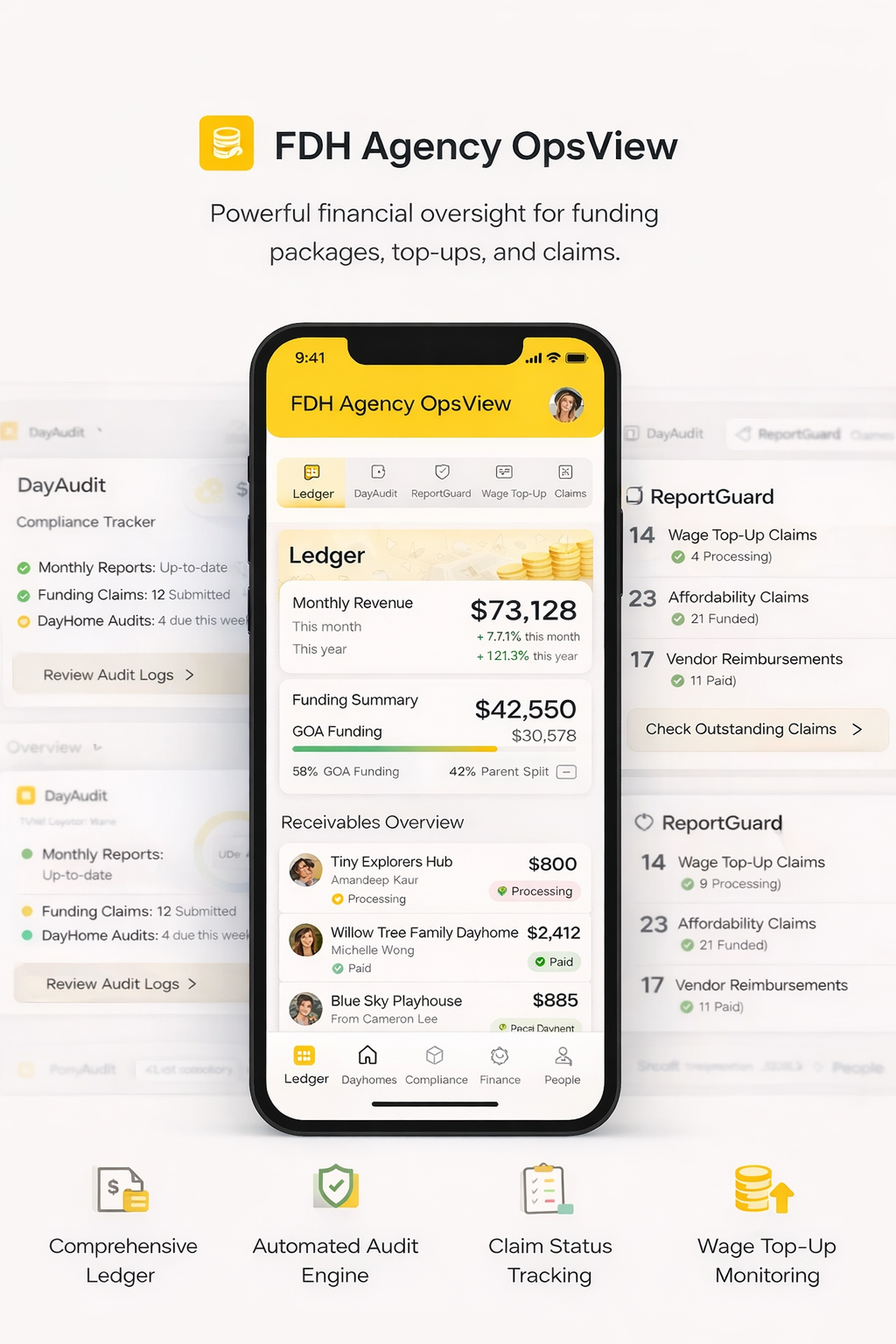
Use this directory to understand where each workflow belongs. Every area remains connected through the same agency record and role-based access model.
Keep the information behind placements, educators, homes, schedules, and daily coordination in one operating context.
Organize inquiries, waitlists, child records, placement decisions, start dates, and the information required to move a family into care.
Use current placement, schedule, attendance, and available-space information to support day-to-day agency coordination.
Keep educator onboarding, credentials, agreements, required documents, renewals, and home information together.
Give each person a focused experience without losing the agency relationship, shared context, or visibility required for follow-up.
Prepare for visits, review history, record observations, attach evidence, and keep action items visible after the visit.
Give educators a clear place for daily records, assigned work, required information, and communication connected to their agency.
Share relevant updates, permissions, documents, statements, and learning information through agency-controlled access.
Keep financial and compliance records connected to the people, activity, decisions, and evidence that explain them.
Connect grants, claims, parent fees, wage top-ups, adjustments, payouts, invoices, receipts, and statements to supporting agency records.
Organize monitoring records, incidents, documents, expiries, findings, follow-ups, and evidence so the current record is easier to review.
Bring current agency status into view so teams can see what is complete, what needs attention, and where supporting information lives.
Review enrolment, attendance, capacity, educator status, ratios, outstanding work, and current agency activity from one operating view.
Keep safety checks, incidents, evidence, follow-up, and continuity information organized around the agency's responsibilities.
Give agency teams and connected users access to the work and information relevant to their responsibilities.
The value is not a longer feature list. It is keeping the same current information useful across the agency workflows that depend on it.
Record information in the workflow where the work happens.
Keep related records, responsibilities, and roles in context.
Use current information for oversight, follow-up, and reporting.
See how Day Guardian can help your team know what needs attention, act with clarity, and explain the record when it matters.